
The ideal platform for operations management
Stacks
a database built for day-to-day operation
stack features
flexible tables for flexible collaboration
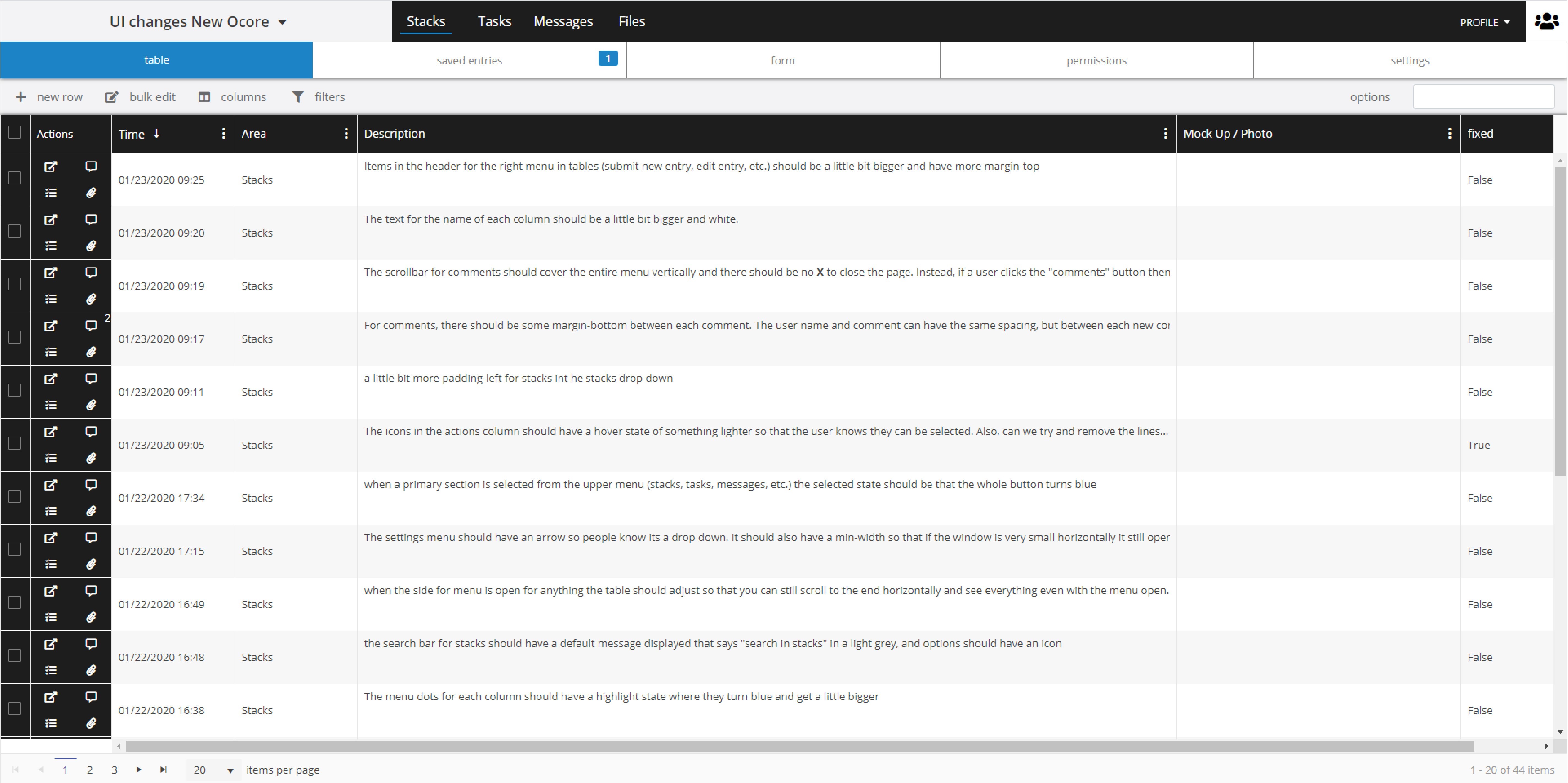
create custom tables to suit your operational needs, then easily adjust them whenever your needs change. Each table comes equipt with built in collaborative tools like task linking, file attachment, and commenting to keep your operation running smoothly.
designed for ongoing information storage
Ocore's Stacks were built for ongoing operations. Create any number of tables to handle diverse sets of information you are actively keeping track of in your organization. Each Stack provides lighting fast filtering, simple importing and exporting, flexible columns, and more for consolidated records you can refer back to whenever you need.
form based workflow
Each Stack comes with a form that is used to add, review, and edit entries. These forms can even be customized for simple information storage or lengthy, step-by-step processes. However your organization handles its information storage, Stacks can handle it.
stack use cases
-

DAILY ROUNDS
-
MAINTENANCE RECORDS
-
EQUIPTMENT STATUS
-

ISSUE REPORTS
Ocore's Stacks can be designed into step-by-step forms that can be filled out while you are on the move. If rounds are in-complete, users can save their progress to be completed later, or even sent to other employees to pick up where they left off. With Ocore, mobile rounds are easier to document than ever.
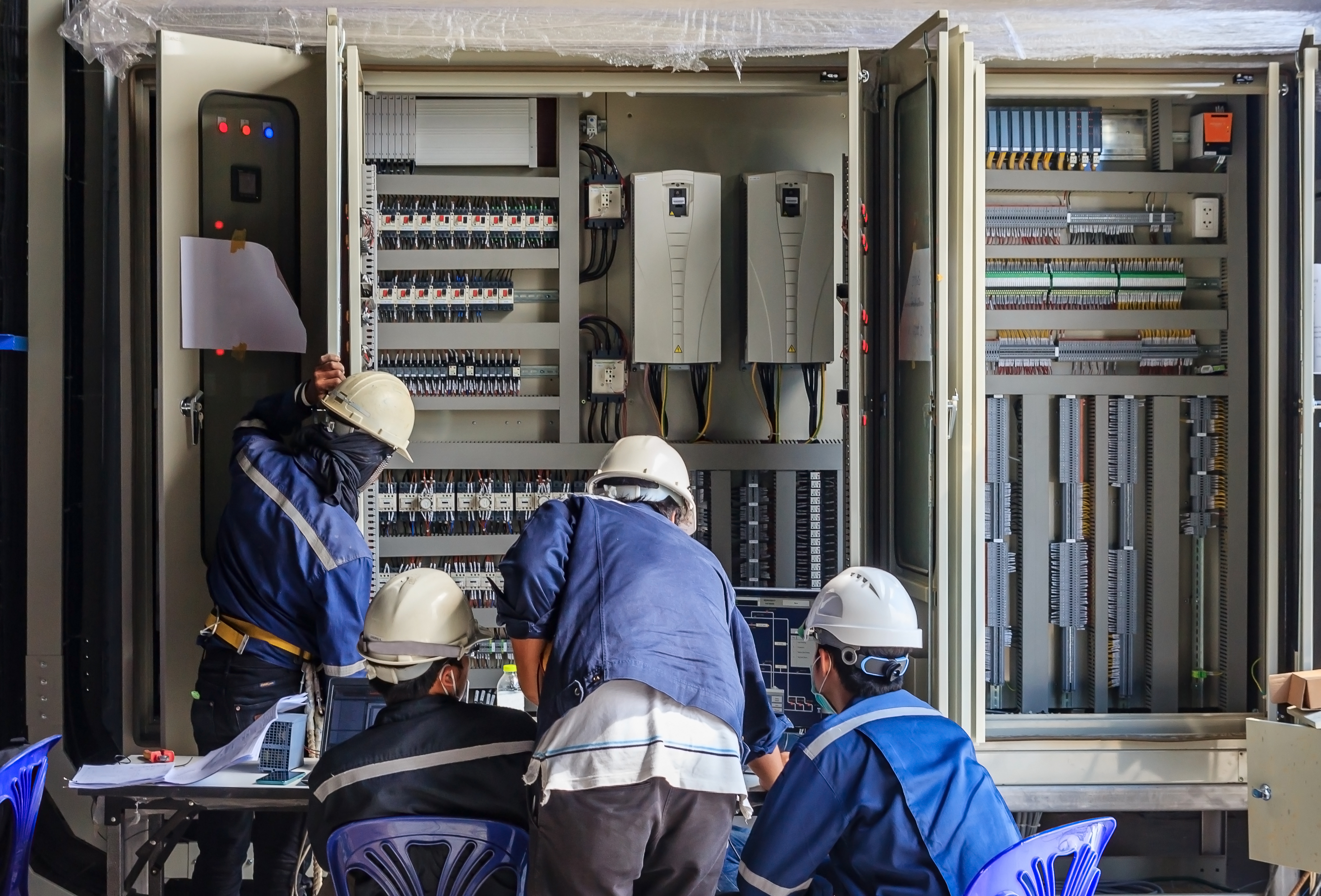
Create Stacks to keep track of any maintenance performed in your facility, then access the information any time with powerful filtering. Each Stack automatically keeps track of the date and user who submitted the entry so you can always go back and see who performed the mainenance and when.
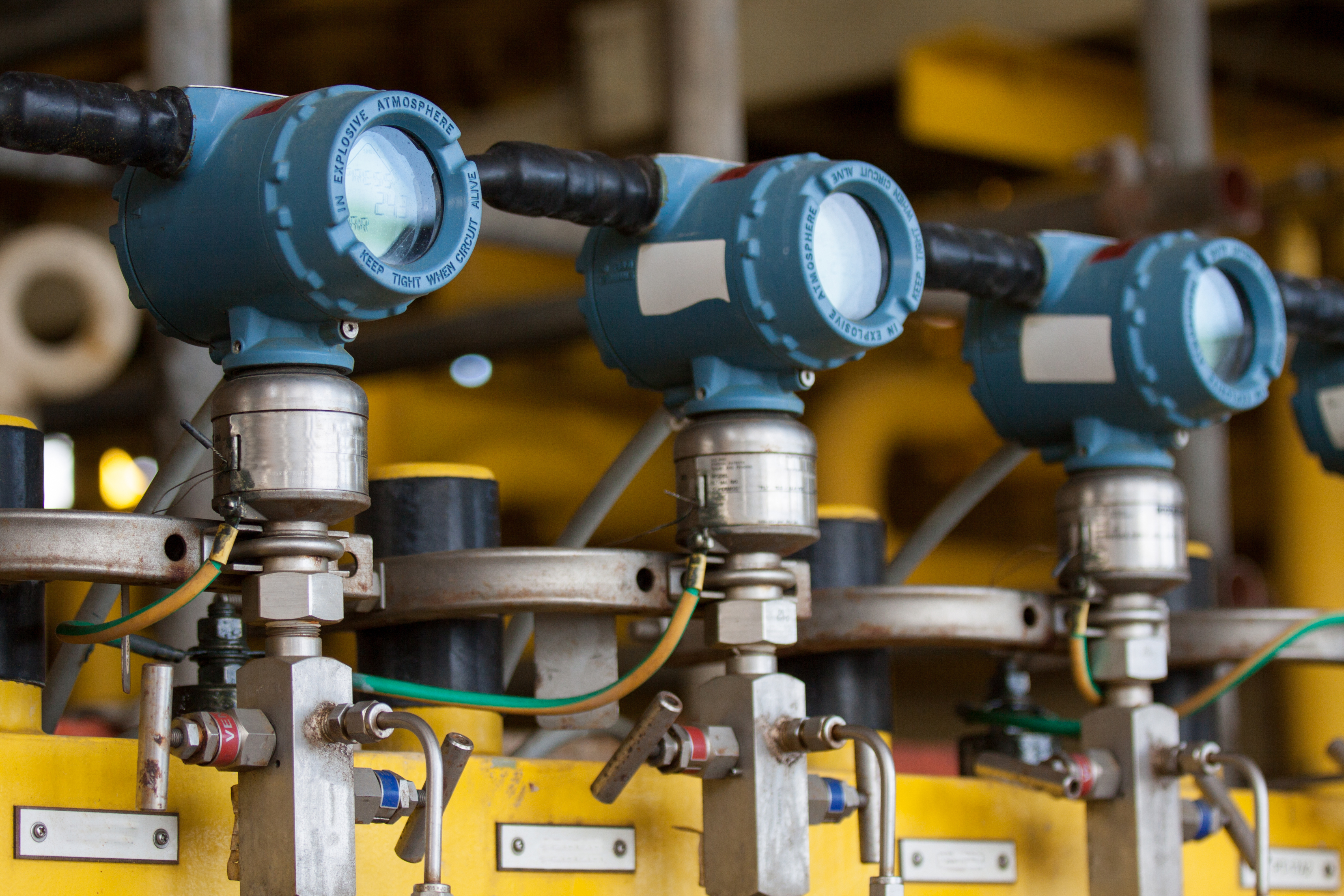
Stacks can be used to keep track of equiptment levels as operators measure them every day. Other users can enable notifications based on certain conditions (see automation further down on this page) so they are aware if any equiptment levels are out of bounds.
Stacks can be used to replace any paper reports that may be better suited for a digital form. Since each Ocore table has a corresponding form, you can easily start building STacks to handle reporting, training, safety and more.
Tasks
an integrated workflow powerhouse
task features
integrated task management
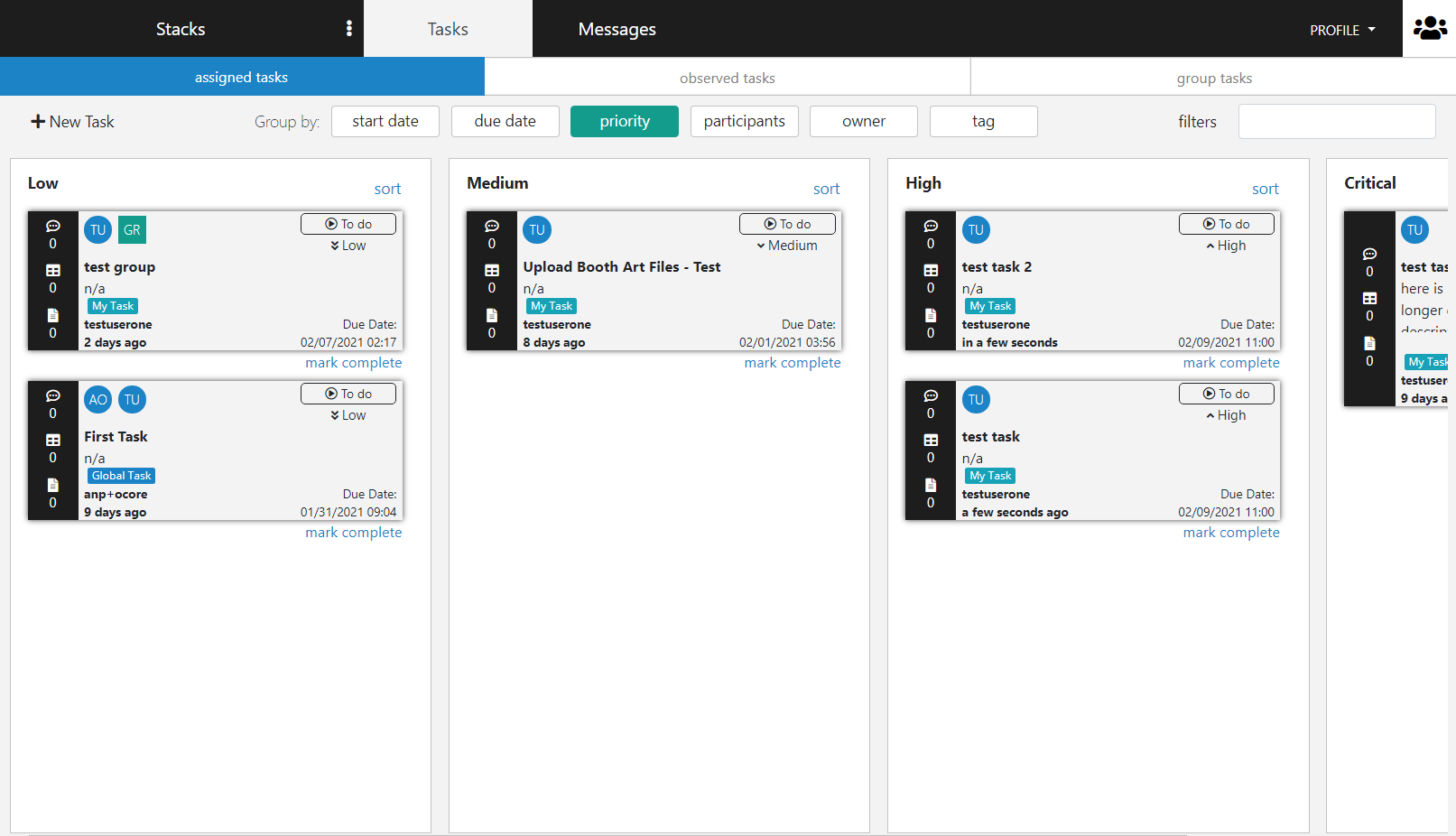
Ocore's tasks can be used in conjunction with Stacks to connect task-based workflow with information storage. Tasks can be created automatically when specific conditions you create are triggered in Stack entries. Each task comes with built in features like file attachment, stack linking, and commenting.
stay on track with scheduled reminders
create reccuring tasks that repeat on a schedule. These tasks can be linked to stacks so that you can document things like regular maintenance, trainings, or facility rounds.
keep your whole team in the loop
There is a whole section of Tasks dedicated to groups. Tasks assigned to groups can be monitored by all group members for efficient collaboration and oversight.
task use cases
-
REGULAR MAINTENANCE
-
ENGINEERING RESPONSE
-
FACILITY UPKEEP
-
REPORTS DUE
Create recurring tasks for regular maintenance, or assign unanticipated maintenance to groups or individuals. Wither way, tasks make is easier to ensure that daily to-dos get completed.
Create tasks for engineering to respond to certain facility issues and recieve updates as the issues are resolved. Viewing task forms gives any user an easy way to quickly view task details, edit priorities, and even attach files to efficiently tackle any issues.
Each task in ocore provides a host of collaborative tools for group workflow. Make sure your facility stays functioning correctly by using tasks to monitor daily process workflow. Single tasks can be assinged to multiple individuals, or sent separately to each.
Besides group workflow, tasks can be used individually to help keep your personal work organized. Create tasks for reports that are coming up so you never miss a deadline.
Messaging
consolidated communication
messaging features
topic-based communication
In Ocore, all communication is tied to the area where it is submitted. You can comment on Stack entries and tasks, or you can create individual conversations with employees or groups.
Easily search for spefiic messages
Users can search for messages by key words in both Stacks and Tasks. With simple searching, you can always keep track of the communication across the organization.
keep group conversations centralized
groups have dedicated conversations in our messaging module where they can communicate, link stack entries, and even share tasks.
messaging use cases
-
WORK UPDATES
-
TASK COLLABORATION
-
QUESTIONS
-
CORRECTIONS
Stacks are built with the ability to comment on every entry. Communicating about issues encoutered during daily operation can be done in Stacks.
Use the comments section of tasks if it is assigned to multiple individuals or groups to increase workflow efficiency, and keep track of task progress.
It is easy to ask questions about things like proposals, bids, maintenance, and equpitment status by using the commenting feature of Stacks.
If small changes need to be made for any of the information, or workflow that Ocore is monitoring for your organization you can quickly add comments or send individual messages to make changes or corrections.
Automation
everything is optimized to work in sync
task features
build your system, then let it run
Ocore provides a level of automation that is unheard of for industrial productivity. Stacks, Tasks, and messages can be built to search for certain conditions and automatically trigger other events.
control-system driven workflow
Ocore can monitior your facility's control system and provide live data in the cloud. Set certain conditions that Ocore looks for in the live data and build automatic workflow based on your control system information.
powerful conditional options
Even though Ocore is a no-code system, the options that we give the user for setting sutomatic conditions is extensive. This ensures that no matter what your automation needs are, Ocore can accomidate them.
automation cases
-
ALARM RESPONSE / TRACKING
-
OFF-SITE MONITORING
-
INFORMATION CAPTURE
-
AUTOMATIC TASKS
Ocore can watch for alarm triggers from your facility's control system. When triggers are met, Ocore will automatically record the date, time, alarm and level. Notifications are automatically sent out and there are built in tools for commenting and more.
You can choose to let ocore display selected real-time data from your control system in the cloud. This lets you keep track of facility levels wherever you are as long as you have an internet connection.
Besides alarm monitoring, users can create conditions to create stack entries from their control system. You decide what information you would like to record from your control system and Ocore will manage it automatically.
Automatic tasks can be generated when certain conditions are triggered. This ensures efficient workflow and fast response to facility infromation.